
Set Up IPTV On Formuler And Dreamlink Boxes
For Formuler Z8, Z10, Z11, GTV and other Formuler boxes, plus Dreamlink boxes. The player is built in, so you only add your IPTVV login. No MAC address registration needed.
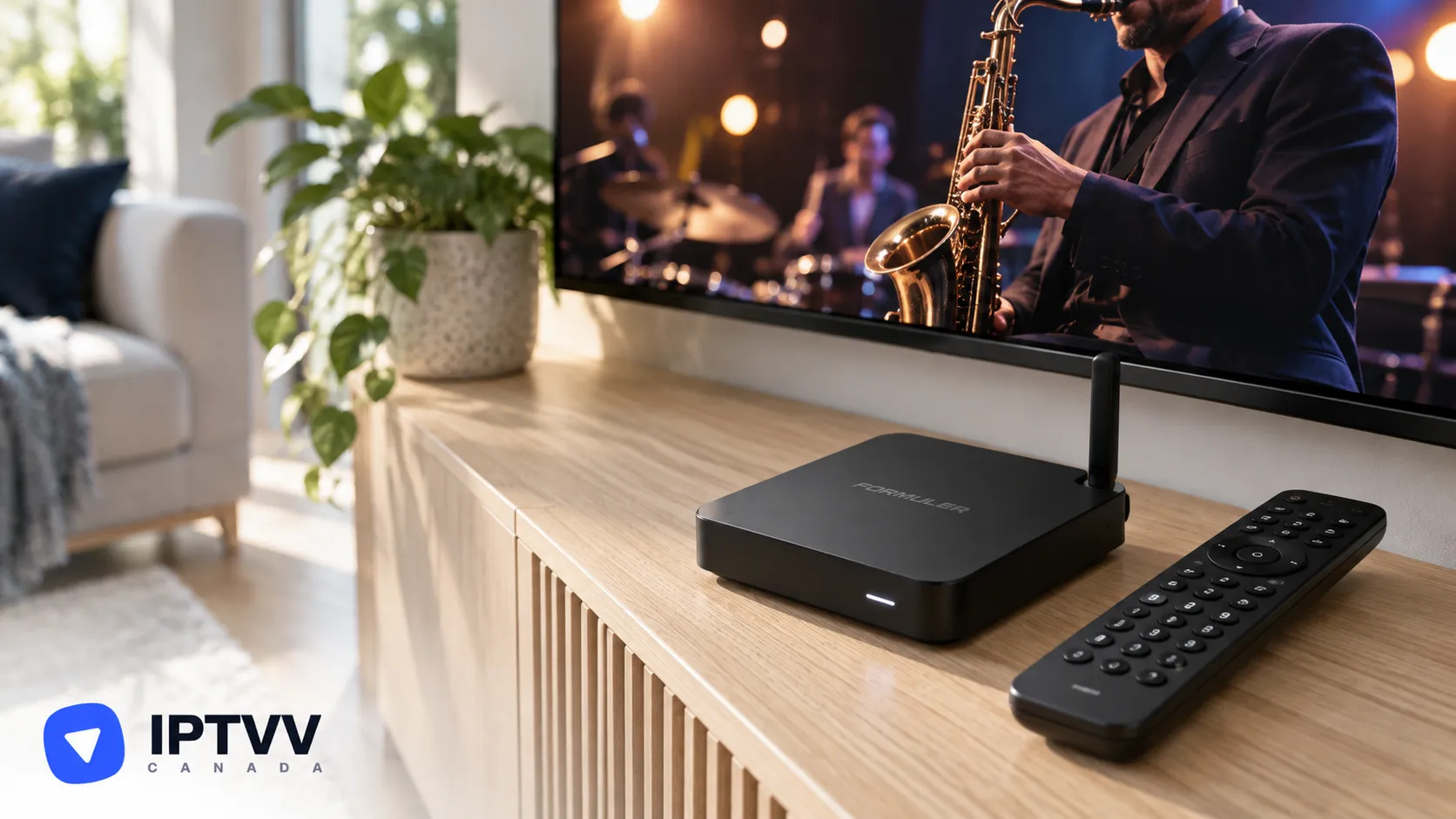
Setting up IPTV on a Formuler box takes about 5 minutes: the MyTVOnline player is built in, so you only add the login from your IPTV Canada welcome email as a portal. An IPTV free trial login works exactly the same way.
1. How IPTV Works On A Formuler Box
IPTV on a Formuler box runs through MyTVOnline 2 or 3, the player that comes pre-installed, which streams your channels over the internet with your IPTVV login. Unlike MAG boxes, Formuler and Dreamlink boxes don’t need their MAC address registered with us: your username and password are all it takes. This guide covers the Z8, Z10, Z11, GTV and other Formuler boxes, plus Dreamlink boxes with the DOL2 app.
2. What You Need Before You Start
You need your IPTVV login, your Formuler box connected to the internet and about 5 minutes.
- Your IPTVV login: the server URL (it starts with
http://), username and password from your welcome email. - Your Formuler box connected to the internet, with MyTVOnline 2 or MyTVOnline 3 on the home screen.
- An internet connection of at least 10 Mbps for HD, 15 to 20 Mbps for Full HD and 25 Mbps or more for 4K.
3. Which Player To Use
MyTVOnline 2 or 3 is the player to use: it’s already on the box and takes your Xtream Codes login as a portal.
| Player | Price | Where it is |
|---|---|---|
| MyTVOnline 2 / 3 (recommended) | Included with the box | Formuler home screen |
| DOL2 | Included with the box | Dreamlink home screen |
4. Open MyTVOnline
Open MyTVOnline from the Formuler home screen; there is nothing to install.
- Turn on the box and wait for the home screen.
- Open MyTVOnline 2 or MyTVOnline 3.
- Go to Menu, then Connections.
5. Add Your IPTVV Login As A Portal
Your login is an Xtream Codes login, and MyTVOnline takes it as a portal with login required. Capitals count, and there must be no space before or after.
- Select Add Portal.
- Fill in the connection:
- Portal name: any name, for example IPTVV;
- Portal URL: your server URL;
- Login required: turn it on;
- Username and password: from your email.
- Press Connect.
On a Dreamlink box (DOL2 app)
- Open the DOL2 app from the Dreamlink home screen.
- Go to Menu, then Portals, then Edit Portal.
- Enter any portal title, your server URL, turn Login required on, then enter your username and password.
- Save, then restart the app to connect.
6. Load The TV Guide, Favourites And On-Demand Library
Your channels load on their own after you connect, and MyTVOnline’s TV guide shows what’s on now and next. Then set up the list the way you’ll use it:
- Open the channel list, pick a group, then a channel.
- Add the channels you watch most to favourites so they’re one click away.
- Open the movies and series sections for the on-demand library.
- If the guide is empty while the channels play, reload the portal from Connections.
7. If The Portal Won’t Connect
If MyTVOnline won’t connect, check the portal details first, then install a Play Store player as a fallback. Your options:
- Check the portal: the server URL must start with
http://with no space at the end, Login required must be on, and the username and password must match your email letter by letter. - A Play Store player: most Formuler boxes run Android TV, so you can install XCIPTV from the Play Store and follow the Android TV guide with the same login.
- Contact support with your box model and the message on screen.
8. Best Picture And Watching On More Than One Screen
Give the box at least 10 Mbps for HD, 15 to 20 Mbps for Full HD and 25 Mbps or more for 4K. For the steadiest stream:
- Use the box’s Ethernet port: a cable gives the steadiest picture. On Wi-Fi, use the 5 GHz band.
- Match the box’s display setting to your TV’s resolution (4K for 4K channels, included with Premium).
- Each TV watching at the same time counts as one screen, so pick a plan with enough screens for your home on the IPTV Subscription page.
9. Troubleshooting, Performance And Privacy
The fix for most buffering is to restart the router first, then the box, and to use the Ethernet port. Other quick fixes:
- The portal won’t connect: check the server URL starts with
http://and has no space at the end, then the username and password letter by letter. - Channels play but the guide is empty: reload the portal from Menu, Connections.
- Sound out of sync: switch the decoder in MyTVOnline’s settings.
- Buffering only in the evening: your internet provider may be slowing video traffic. A VPN set to a Canadian server helps, on the box or on your router; see our VPN for IPTV guide.
- Still stuck? Contact our support team: we answer 24/7 in English or French.
10. Legal And Practical Notes For Canada
IPTV is a legal technology in Canada when it’s used with licensed content, and the Copyright Act applies to what you stream, so the box is never the risk: the source of the channels is. Add only the portal from your IPTVV email, skip any portal or app that arrives “pre-loaded” with channels, and keep your login to the screens on your plan. Your IPTVV subscription is paid once in CAD, never renews on its own, and is covered by a 7-day money-back guarantee.
Frequently Asked Questions
Do I need to register my Formuler’s MAC address?
No. Formuler and Dreamlink boxes connect with your username and password alone; only MAG-style boxes need a MAC address registered.
Which Formuler boxes work with IPTVV?
All of them with MyTVOnline 2 or 3, including the Z8, Z10, Z11 and GTV, plus Dreamlink boxes with the DOL2 app.
Do I need a VPN for IPTV on a Formuler box?
No. The service works without one. A VPN helps if your internet provider slows video traffic at peak hours, or for privacy on a shared network.
Conclusion
Your Formuler box is an IPTV box in about 5 minutes: open MyTVOnline, add a portal with your server URL, turn on Login required, enter your username and password and press Connect. Use the Ethernet port, add your favourites on day one, and if the portal ever gives you trouble, XCIPTV from the Play Store works with the same login. Still stuck on a step? Our bilingual support team answers 24/7.
