
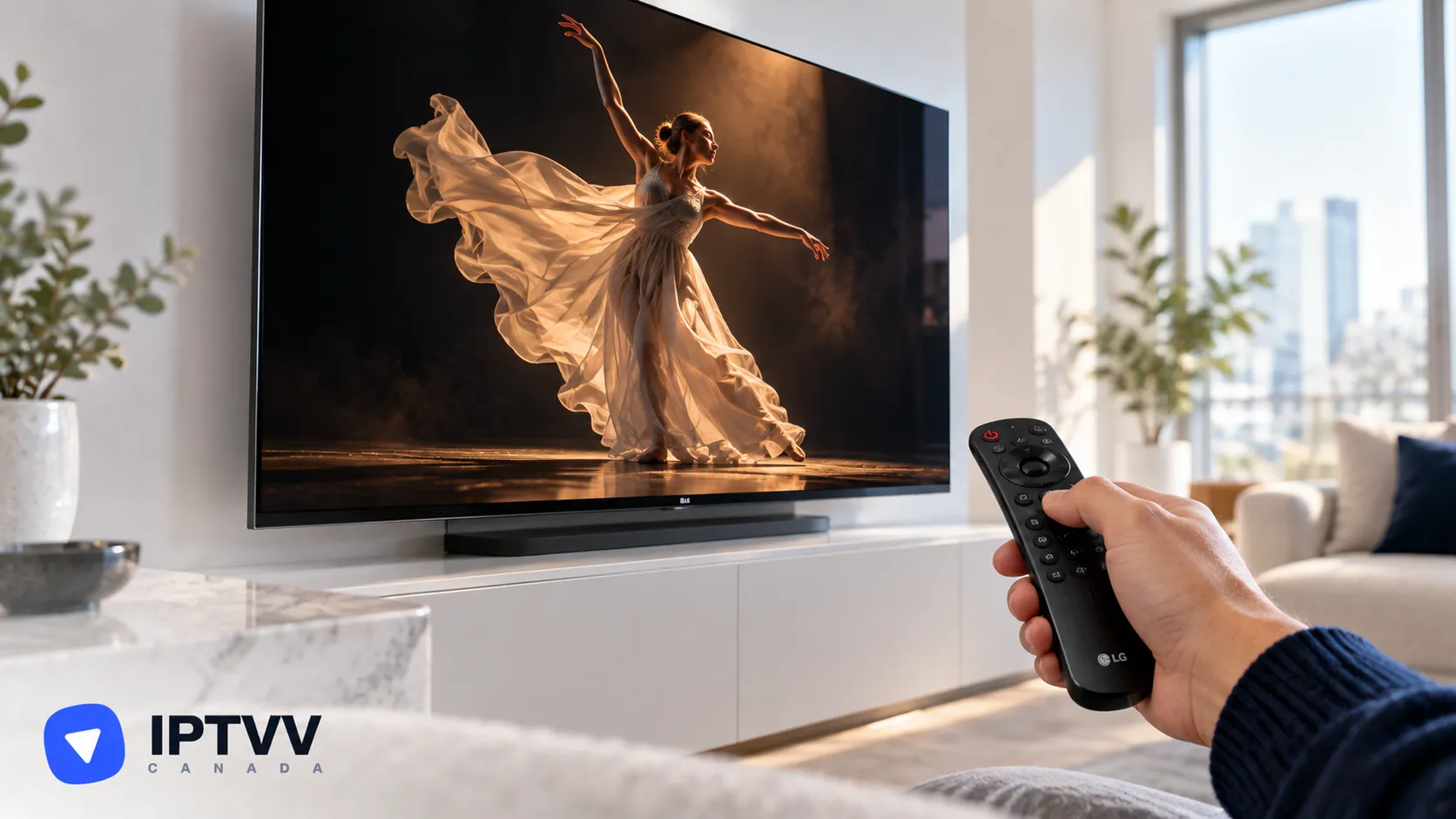
Set Up IPTV On LG webOS Smart TV
For LG smart TVs running webOS. Install a player from the LG Content Store, then add your IPTVV login on the player's website using the code your TV shows.
Read MoreHot Player is one of the player apps we recommend for IPTV Canada. These guides show how to install Hot Player, sign in with your Xtream Codes login and load the TV guide on LG webOS, Roku, Samsung Smart TV and VIDAA (Hisense).
← All tagsFor LG smart TVs running webOS. Install a player from the LG Content Store, then add your IPTVV login on the player's website using the code your TV shows.
Read More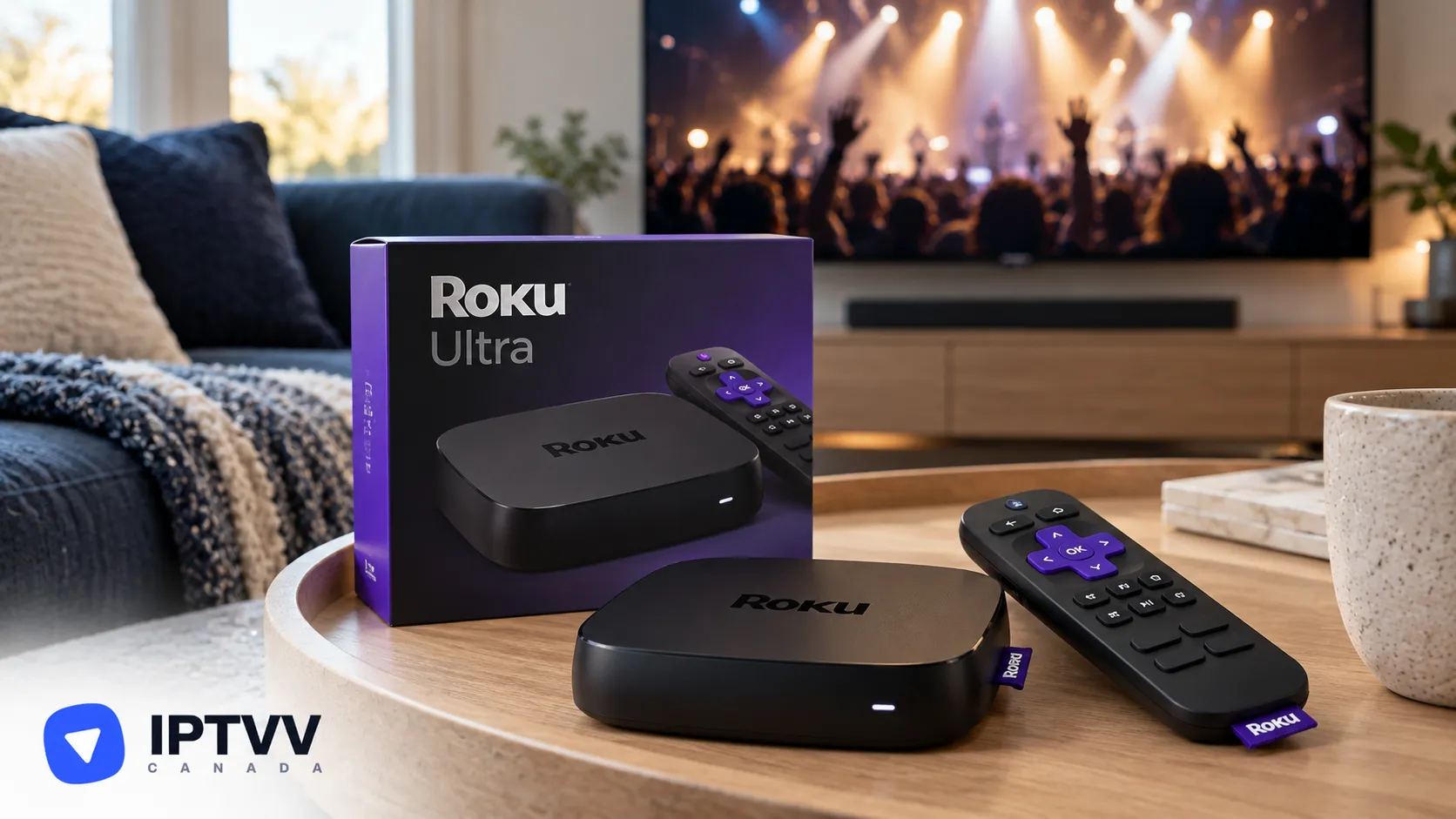
For every Roku device, including Roku TVs, the Streaming Stick, Express and Ultra. Add Hot Player from the Roku Channel Store, then add your IPTVV login on the Hot Player website.
Read More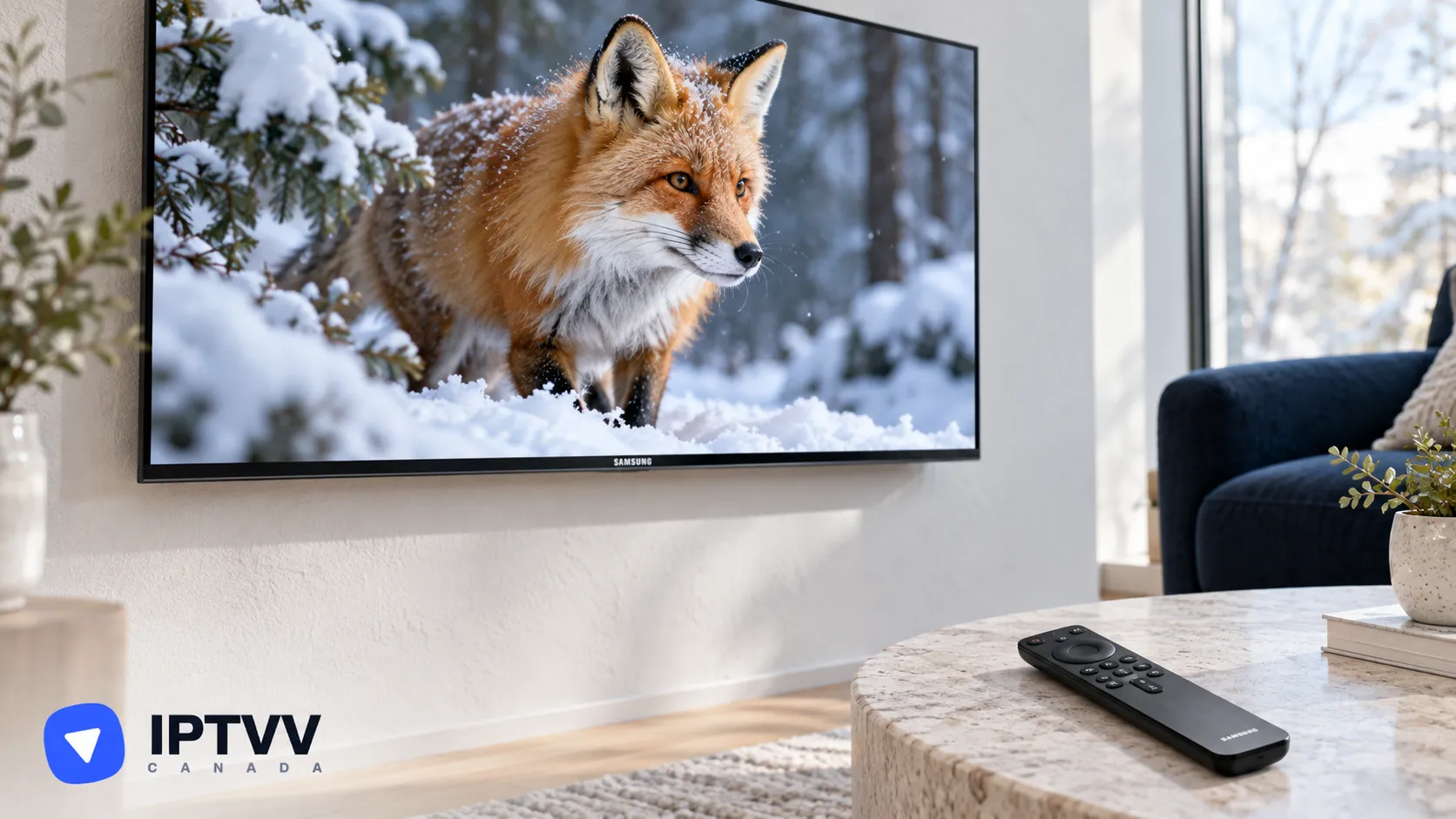
For Samsung smart TVs (Tizen). Install a player from the TV's app store, then add your IPTVV login on the player's website using the code your TV shows.
Read More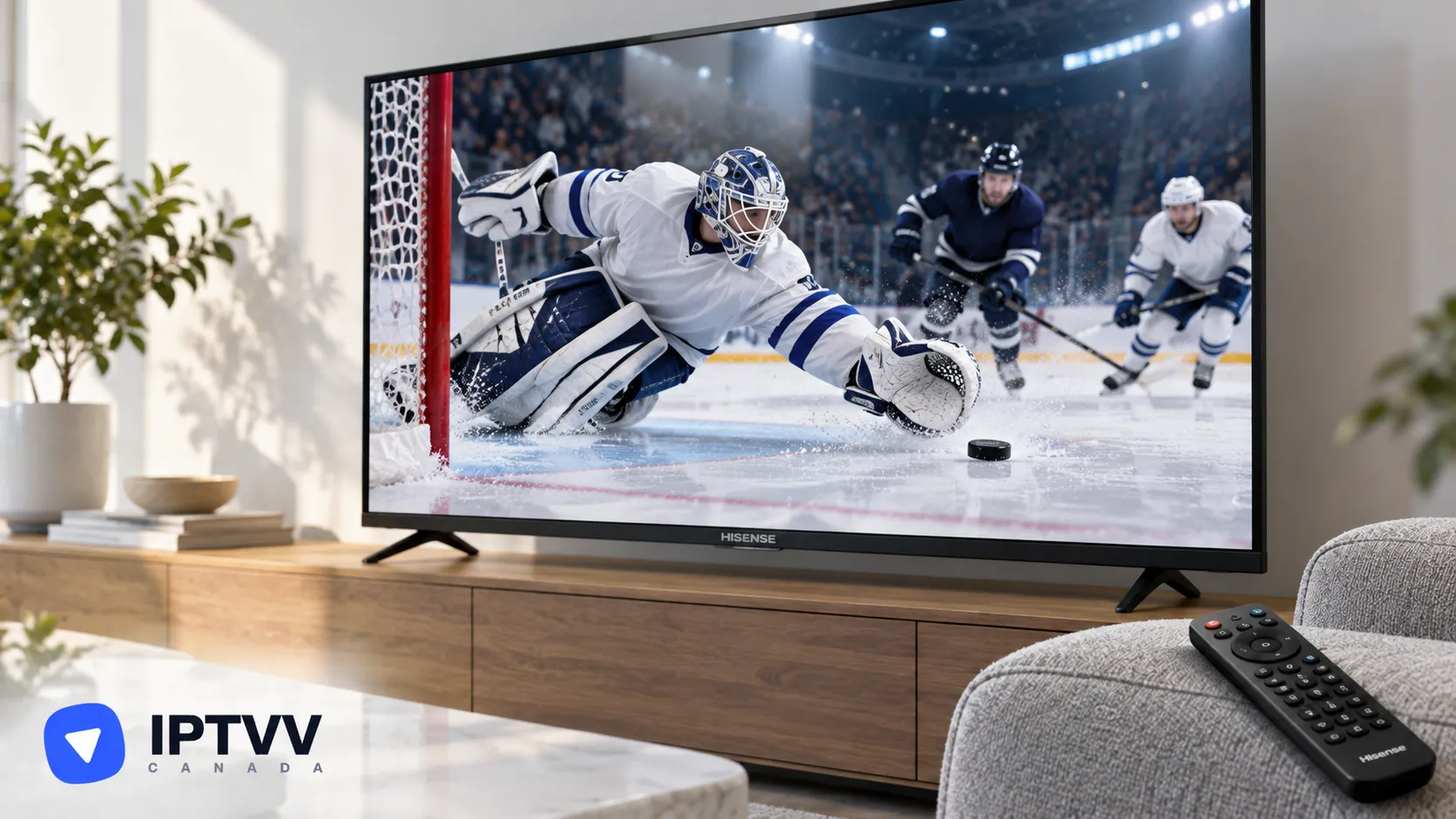
For Hisense and other TVs running VIDAA. Install Hot Player from the VIDAA app store, then add your IPTVV login on the Hot Player website using the code your TV shows.
Read More
Test the service on your own devices for 24 hours, no credit card needed. Then pick a plan for 1 to 5 screens, paid once in CAD with a 7-day money-back guarantee.